
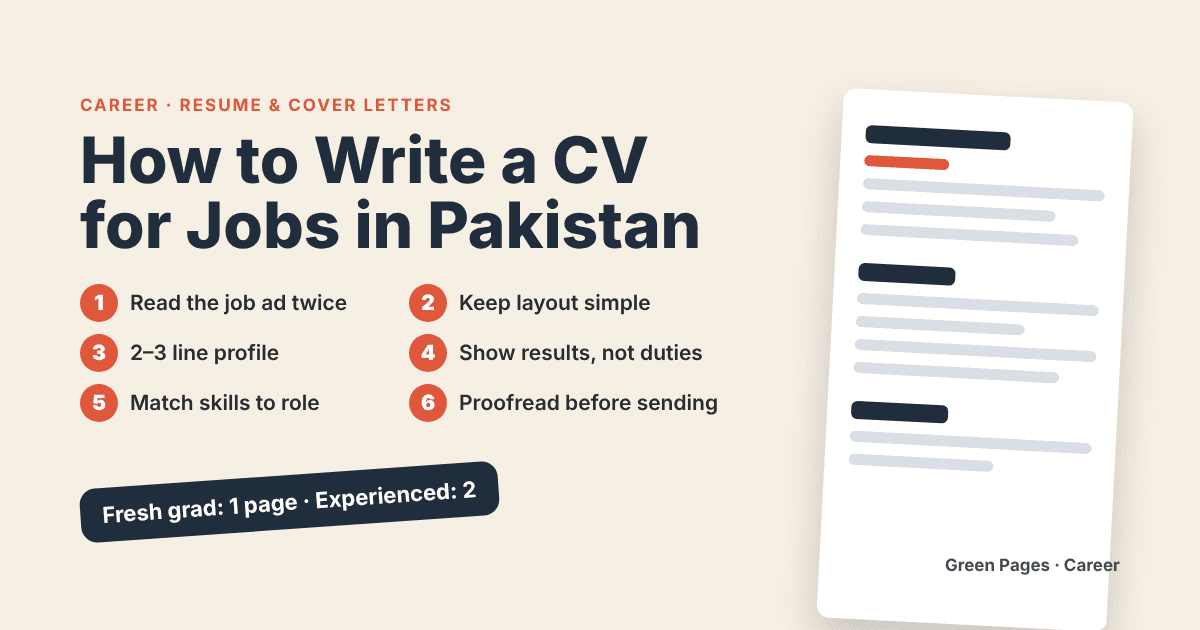
A hiring manager in Pakistan may receive dozens or even hundreds of CVs for a single job. Most of them get only a quick look before the manager decides to read more or move on. The good news is that a short, clean and honest CV can stand out in that quick look. This guide explains how to write one, step by step, whether you are a fresh graduate in Lahore or an experienced professional in Karachi.
Start with the job, not with yourself
Before you type a word, read the job advertisement twice. Underline the skills, tools and qualifications it asks for. Your CV should show, as clearly as possible, that you have what the employer is looking for. A CV that tries to say everything about you usually ends up saying nothing useful.
Keep a master CV with all your experience, then make a shorter version for each application. It takes ten minutes and often makes the difference.
Choose a simple layout
Fancy designs, photos, colourful boxes and tiny fonts look attractive on your screen but can break when companies use software to read CVs. A simple layout is safer.
Use a clear font such as Arial or Calibri, in a readable size.
Use standard headings: Profile, Experience, Education, Skills.
Keep it to one page if you are a fresh graduate, and two pages at most if you have many years of experience.
Save the file as a PDF unless the employer asks for Word, and name it properly, for example "Ayesha-Khan-CV.pdf".
Put your contact details at the top
Write your full name, phone number, professional email address and city. A simple email such as your name at a free provider is fine, but avoid nicknames or old school-time addresses. If you have a LinkedIn profile or an online portfolio that is up to date, add the link. Check every number and letter, because one typing mistake can mean the employer cannot reach you.
Write a short profile
Under your name, add two or three lines that say who you are, what you do and what you want. For example: "Accounts graduate with one year of internship experience in bookkeeping and Excel, looking for an entry-level finance role." Skip phrases like "hard-working and dedicated" unless you can prove them with examples further down.
Show your experience with results
List your jobs, internships and projects starting with the most recent. For each one, write the job title, the company, the city and the dates. Then add three to five short points about what you did.
The best points start with a strong action word and show a result where possible. Compare these two examples.
Weak: "Responsible for social media."
Better: "Managed the shop's Facebook and Instagram pages and increased weekly enquiries by replying to messages within one hour."
Only write numbers that are true and that you can explain in an interview. If you do not have exact figures, describe the work honestly instead.
What if you have no experience?
Fresh graduates often worry about this section, but you have more to show than you think. Include internships, university projects, volunteering, society leadership, freelance work and short courses. Explain what you did and what skills you used, such as teamwork, report writing, data entry or customer service.
List your education clearly
Write your degree, the institution and the year you completed it or expect to complete it. Add your CGPA or grades only if they help you. Certificates and short courses, such as digital skills or language courses, belong in a separate small section.
Choose your skills carefully
List the skills that match the job. Mix technical skills, such as MS Excel, accounting software, coding languages or design tools, with useful soft skills, such as communication and time management. Be honest about your level in English and in other languages. If an employer tests you, the test will show the truth.
Details to leave out or handle with care
Pakistani CVs often include a long list of personal details. Many modern employers do not need most of them.
You do not need to include your CNIC number, religion or a full home address on a CV you send widely. Share these only when a trusted employer asks for them.
Think about whether a photo is required. Some companies ask for one, but many do not.
Avoid long paragraphs about your hobbies. One short line is enough.
Do not write "references available on request" as a filler. If you have references, keep their details ready in a separate document.
Proofread before you press send
Spelling mistakes tell the reader that you are careless. Read your CV slowly, then read it aloud, then ask someone else to check it. Make sure dates are consistent, tenses are correct and the formatting is the same throughout.
A short cover message helps
When you email your CV, write two or three polite lines in the email body. Mention the job title, say why you are interested, and thank the reader. Attach the CV with a clear file name. A short, respectful message shows professionalism.
What this means for you
You do not need an expensive designer or a template with fancy graphics. You need a CV that is easy to read, matches the job and tells the truth. Update it every few months, even when you are not looking for work, so you never have to rush later. If you apply for several kinds of jobs, keep one version for each.
Quick summary
Read the job advertisement first, keep the layout simple, put your contact details on top, write a short profile, show your experience with real results, list skills that match the role, protect your personal information, and proofread carefully. Send it with a polite short message, and tailor it for every job.
Source: general career guidance written by Green Pages, 29 October 2026. This is general information and not a guarantee of any job outcome.
Comments
Loading comments…
Sign in to join the conversation.